Comment Export Tool for IG
Export available Instagram post comments to CSV or Excel for backup, reporting, audience analysis, and research. IComments helps you organize comment data from posts you are permitted to access.
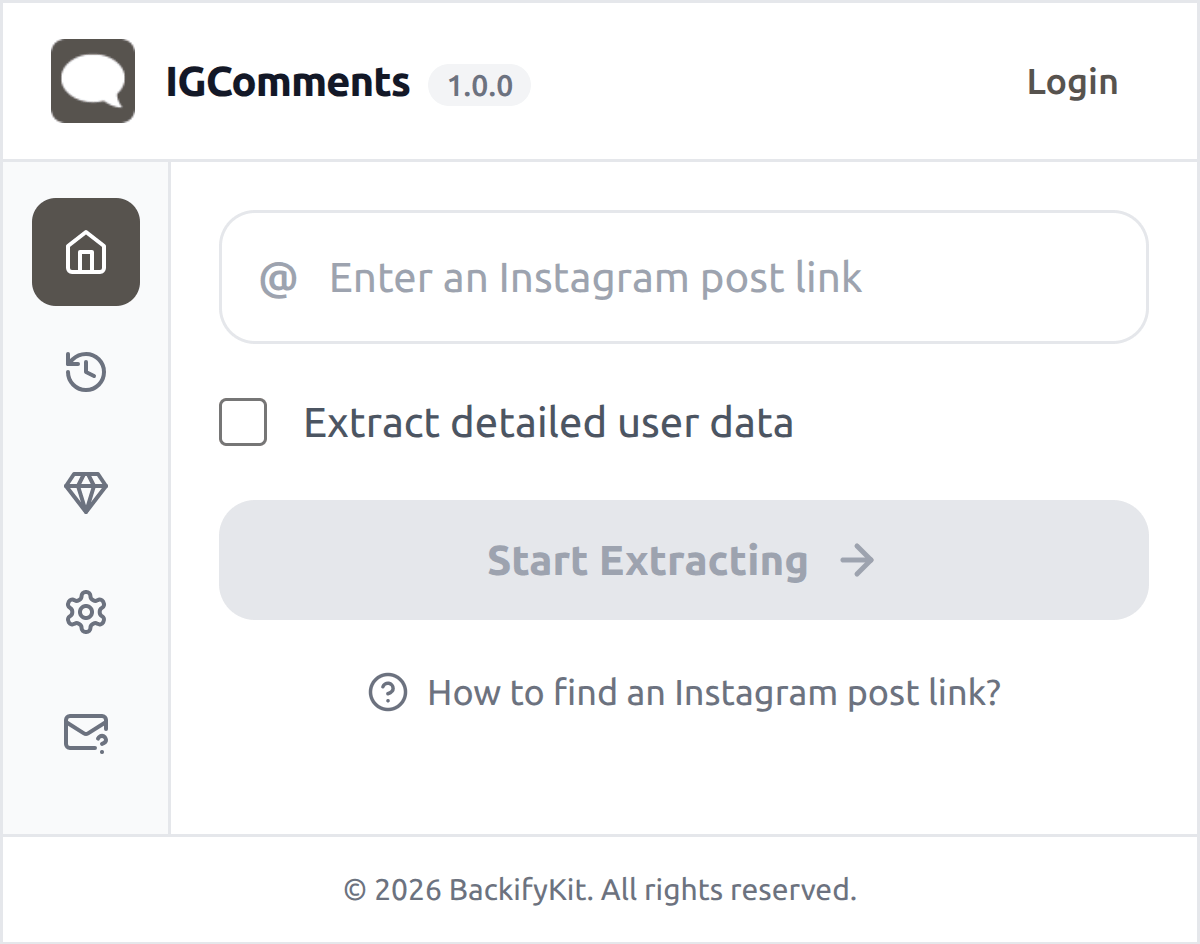
Export IG Comments
With IComments, you can export available comments from Instagram posts you are permitted to access and organize them into CSV or Excel files. Use the exported data for content review, reporting, audience analysis, research, and record keeping.
Designed for lawful, authorized use
Only export data you are permitted to access, and use exported data responsibly.
Privacy-first export
The extension runs in your browser. Exported data is processed locally on your device and downloaded directly to your computer. We do not collect or store your exported data.
What type of data can you export via our Comment Exporter
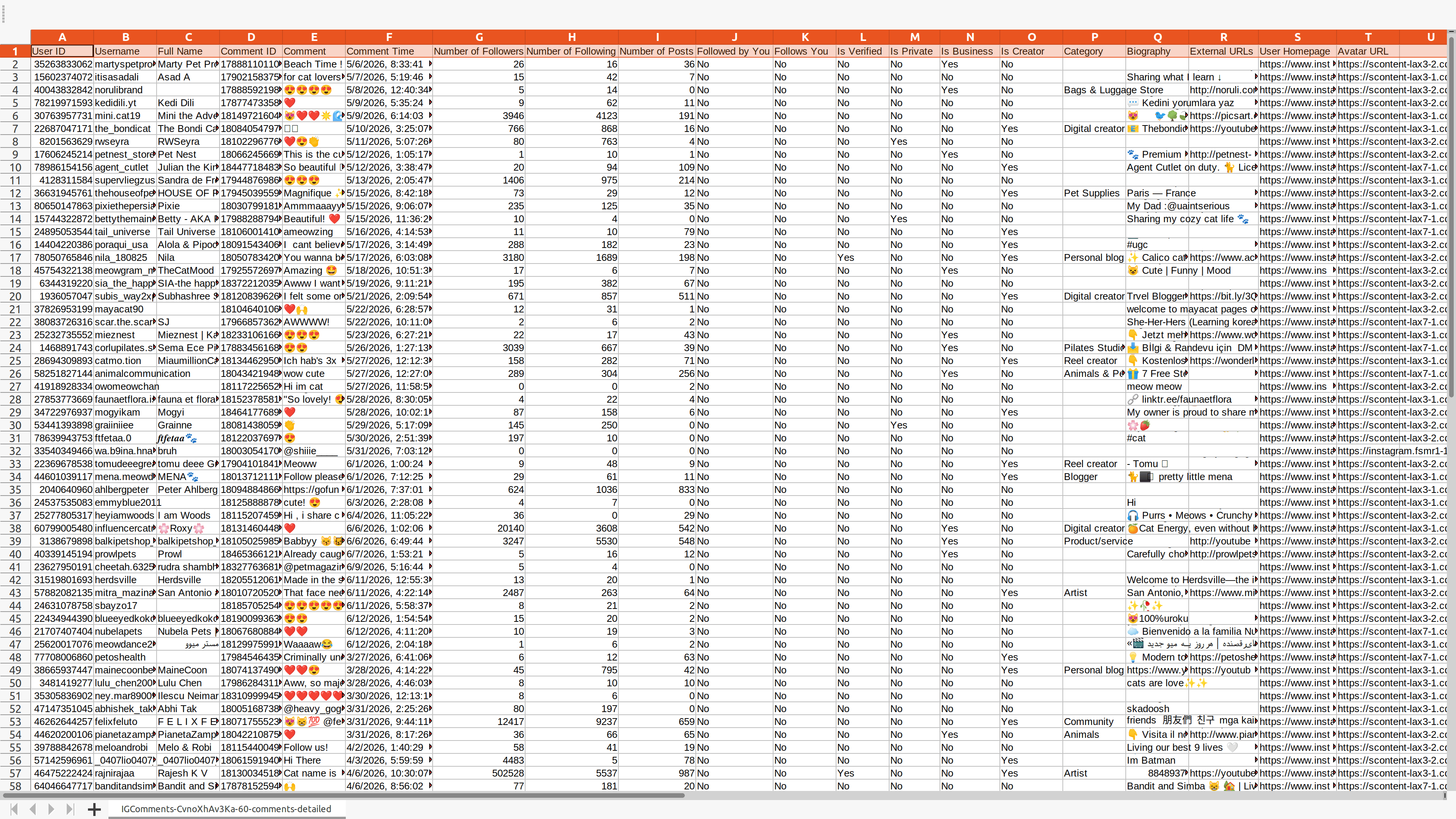
The following table lists all supported data fields.
| Field Name | Description |
|---|---|
| User ID | A unique identifier assigned to each Instagram user. |
| Username | The public name that an Instagram user chooses to represent themselves. |
| Full Name | The full name of an Instagram user, if provided. |
| Comment ID | A unique identifier assigned to each comment. |
| Comment | The text content of the comment. |
| Comment Time | The time when the comment was made. |
| Number of Followers | The total number of followers an Instagram user has. |
| Number of Following | The total number of users an Instagram user follows. |
| Number of Posts | The total number of posts an Instagram user has made. |
| Followed by You | Indicates whether you follow the user or not. |
| Follows You | Indicates whether the user follows you or not. |
| Is Verified | Indicates whether the Instagram account is verified or not. |
| Is Private | Indicates whether the Instagram account is private or not. |
| Is Business | Indicates whether the Instagram account is a business account or not. |
| Is Creator | Indicates whether the Instagram account is a creator account or not. |
| Category | The professional category that an Instagram user identifies themselves with. |
| Biography | The text that an Instagram user has written about themselves. |
| External URL | The URL of the Instagram user's external website. |
| User Homepage | The URL of the Instagram user's profile page. |
| Avatar URL | The URL of the Instagram user's profile picture. |
Start for free today
Sign up for a free plan today and start organizing comments from your posts.
Pricing
Start for free, stay for the value.
Free
$0
Get started for free
- Export up to 100 comments per time
- Include available public profile fields, where accessible
- Save data as CSV or Excel
- Custom export fields
- Resume export tasks from history
Pro
$12/month
Maximize your results with the Pro Plan
- Extract more available comments per time, subject to platform availability
- Include available public profile fields, where accessible
- Save data as CSV or Excel
- Custom export fields
- Resume export tasks from history
- Priority customer support
Frequently asked questions
Feel free to contact us if you have any other questions.
What is IComments?
IComments is a browser extension that helps you export available comments from Instagram posts you are permitted to access into CSV or Excel files. It is useful for content review, reporting, audience analysis, research, and record keeping.How to find an Instagram post URL?
You can typically find a three-dot button in the top-right corner of the post. Click the button, and a pop-up menu will appear. In the menu, click 'Copy link' to copy the post URL.
How to use IComments?
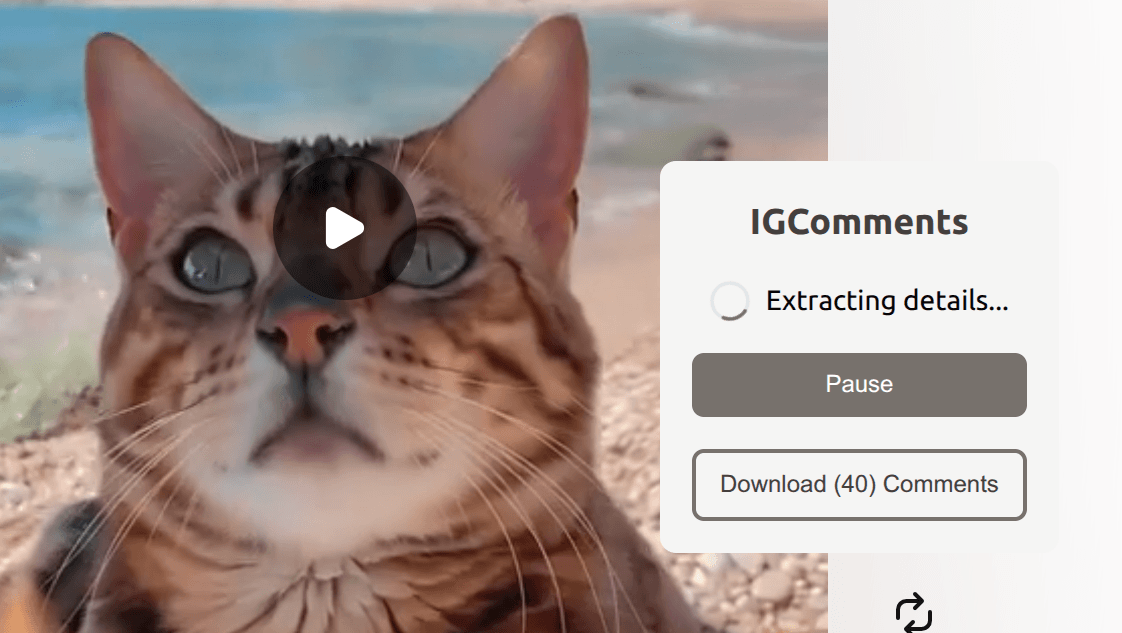
1. Enter an Instagram post URL 2. Optionally, choose whether to export detailed user data 3. Click "Start Extracting" and wait for the process to complete, then download your dataWhy does the export stop, and why am I see Instagram error messages?
Instagram may limit or block requests when activity is too frequent or unavailable. If this happens, stop exporting and return later. Do not attempt to bypass Instagram limits, access controls, or technical restrictions. This tool is intended only for lawful, authorized use.
How to upgrade my plan?
To upgrade your plan, please contact our support team with your desired plan details—we will handle the upgrade for you.Can I cancel my subscription?
You can cancel your subscription at any time through your extension's subscription page. Once canceled, you will retain access to the subscription until the end of your billing cycle.